Movies, shows & live sport. On your Mac.
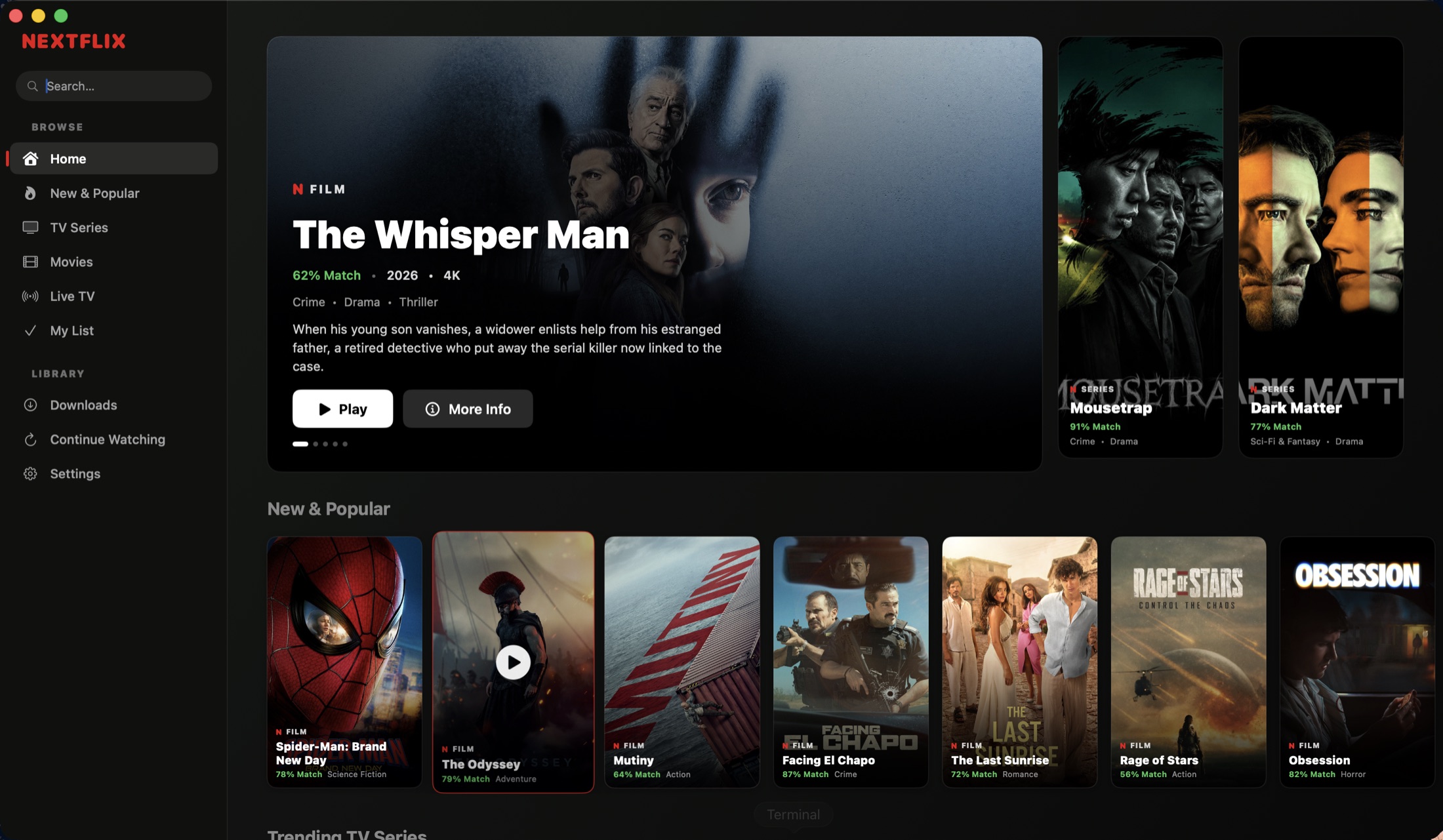
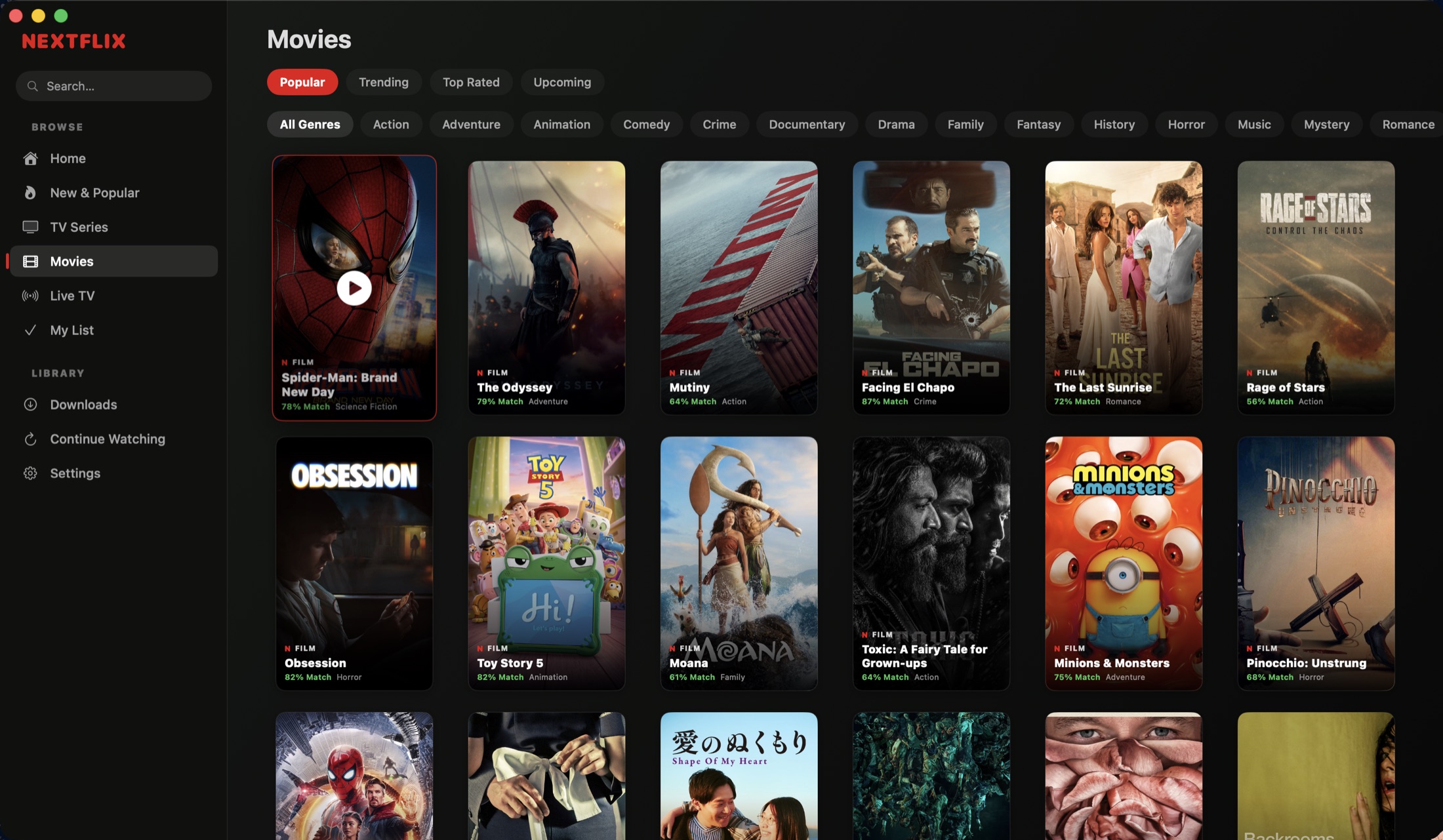
One clean desktop app. Browse a full catalog, follow live matches, pick up where you left off — and download what you want for offline.
Everything in one place.
Movies, TV, live sport and offline downloads — one fast native app.
Live TV & sport
Hundreds of live channels and a full match schedule, filtered by sport, league and region.
Offline downloads
Save movies and episodes, watch them with no connection in a native player.
Continue watching
Resume any movie or episode exactly where you stopped, across sessions.
Questions
Is NextFlix free?
Yes. NextFlix is a free native macOS app — no account, no subscription, no installer.
Can I watch live sport on NextFlix?
Yes. It includes hundreds of live channels and a live match schedule you can filter by sport, league and region.
Does NextFlix work offline?
Yes. Download movies and TV episodes and watch them with no internet connection in a native player with subtitle and audio-track menus.
What do I need to run it?
An Apple Silicon Mac (M1 or newer) on macOS 13 or later. The app is ad-hoc signed, so the first launch needs a right-click → Open.
Where does NextFlix get its content?
NextFlix does not host, store or stream any media. Every movie, show and channel is already publicly available online — the app brings it together in one clean interface.
Get NextFlix for macOS
No sign-up, no installer. Drag it to Applications and open. To update later, just replace the app — your history, list, and downloads stay put.
Open the .dmg and drag NextFlix to Applications.
Right-click the app → Open → Open. (Gatekeeper warns because it’s ad-hoc signed.)
Still blocked? Run once:xattr -dr com.apple.quarantine /Applications/NextFlix.app
Verify this download (SHA-256)
65e064d5299e8d1e46f6dce9116f914d0643cc9e2e1081d955086940f210949c